
 English
 简体中文
简体中文  繁体中文
繁体中文 


Common Software Issues That Cause Swing Gate Opener Installation Failures
Common Software Issues That Cause Swing Gate Opener Installation Failures
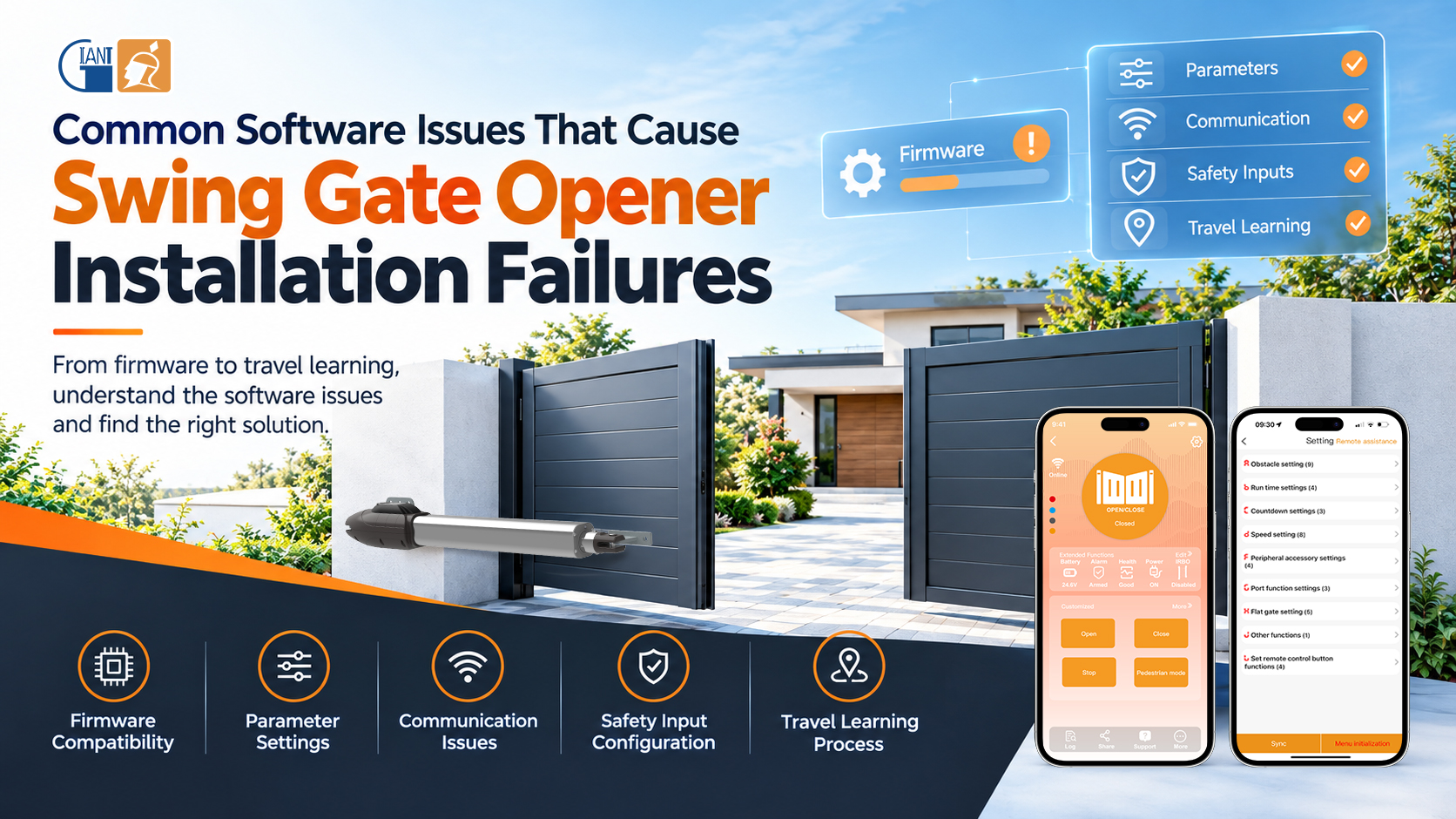
When a swing gate opener fails during installation, installers often check the motor, wiring, or mechanical structure first. However, the problem may actually be hidden in the software layer. Firmware compatibility, parameter settings, communication, safety inputs, and travel-learning procedures can all prevent a swing gate opener installation from being completed successfully.
Understanding these issues can help installers troubleshoot faster and avoid unnecessary hardware replacement.
1. Firmware Compatibility or Errors
Firmware must match the control board and gate opener model. An incompatible version may cause incorrect motor direction, unavailable functions, failed limit detection, or startup errors.
Firmware can also become corrupted if an update is interrupted by a power or communication failure. In some cases, a specific firmware version may contain software bugs that prevent commissioning from being completed even when the hardware is functioning normally.
2. Incorrect Parameter Settings
Incorrect configuration is one of the most common causes of swing gate opener troubleshooting issues.
Important parameters may include gate travel, motor direction, operating mode, current sensitivity, deceleration, and limit detection. If these settings do not match the actual gate, the operator may stop prematurely, trigger overload protection, or fail during travel learning.
Installers should also confirm whether the system uses mechanical limits, limit switches, or encoder-based positioning before starting the setup process.
3. Communication Problems
Modern automatic swing gate openers may support programming tools, wireless controllers, or mobile apps. Communication problems can occur when device addresses conflict, communication parameters do not match, or the app/software version does not support the controller firmware.
For multi-gate installations, each connected controller should have a unique address and compatible communication settings.
4. Safety Input and Logic Errors
Safety devices such as photocells and safety edges must be assigned to the correct inputs and configured according to their actual signal type.
A normally open (NO) or normally closed (NC) setting that does not match the connected device can keep the operator in a safety lockout state. Incorrect input assignments can also cause commands such as OPEN, CLOSE, STOP, or safety signals to behave unexpectedly.
5. Travel-Learning Failure
A swing gate opener normally needs to learn its operating travel before regular operation. Starting the procedure in the wrong programming mode, interrupting the learning cycle, or detecting a false obstacle can prevent travel data from being stored correctly.
After correcting the cause, resetting the controller and repeating the complete learning procedure is often more effective than changing individual parameters repeatedly.
6. Choosing an Easier-to-Commission System

Software-related installation problems are easier to avoid when the gate opener control board provides clear programming functions and flexible adjustment options.
For example, the PKM-C061 with EGA-20 controller supports adjustable current sensitivity, independent motor settings, dual-speed travel learning, USB firmware updates, and XHouse IOT APP management. The PKM-C035 with EGA-18 controller is designed for higher-load applications and provides adjustable motor protection, limit configurations, and independent opening/closing delay settings.
For installers, a mature control system is not only about functionality—it can also make commissioning faster, troubleshooting easier, and the overall swing gate automation project more reliable.
 37 Sunshine Road, Photoelectric Information Industrial Park, Nan'an, Fujian, China
© Copyright: 2022 Giant Alarm System Co.,Ltd All Rights Reserved.

IPv6 network supported


